Scenario v4.6
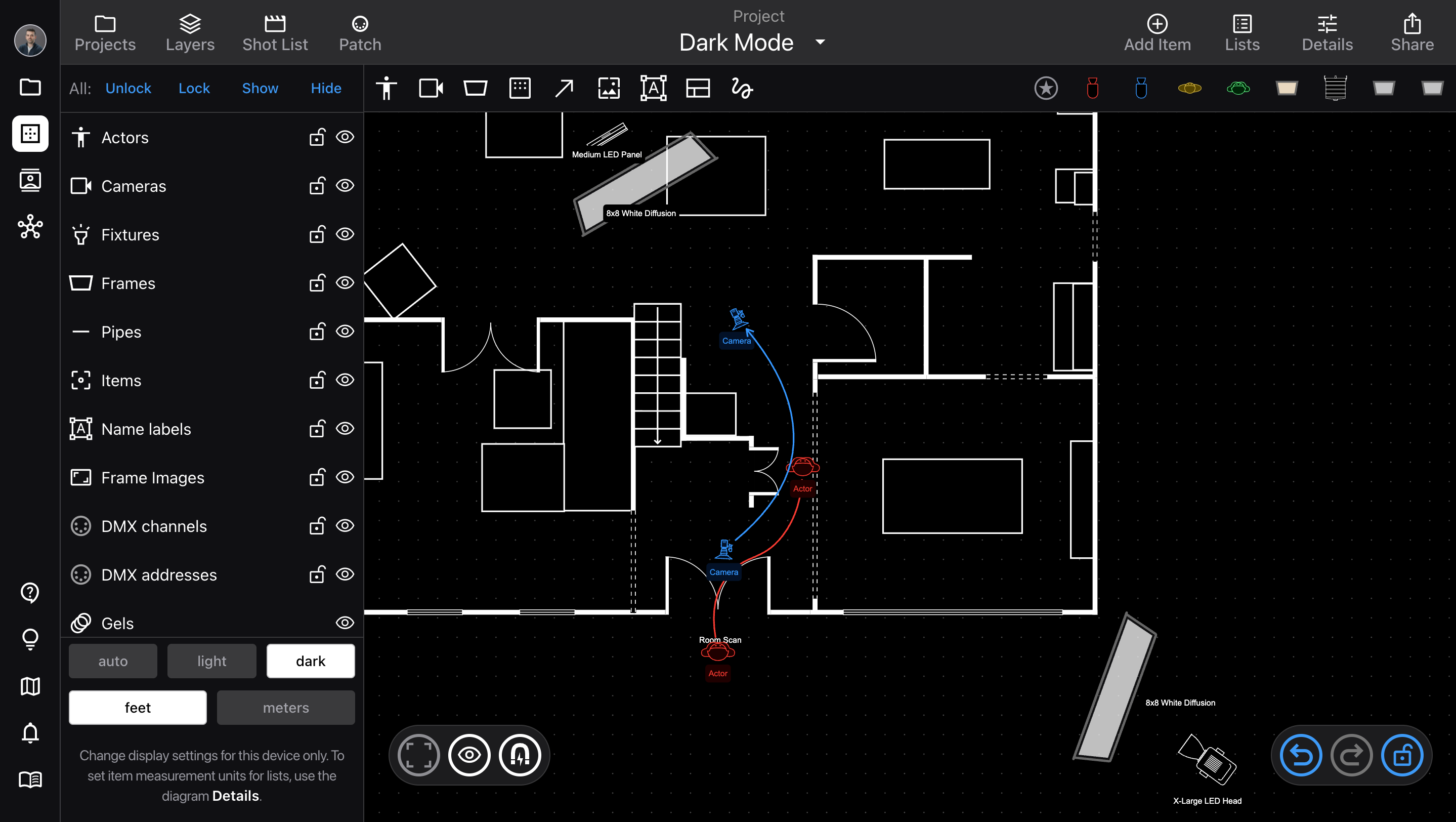
Dark mode and usability updates
Released November 11, 2026
Availability: all devices, all accounts
Dark mode
Rest your eyes on dim sets; now you can view diagrams with a black background.
In the diagram Visibility sidebar, choose Light (the current theme), Dark, or Auto (which follows your device)
This is just a viewing mode; it doesn’t change data or affect any other device
Item colors keep the same hue and saturation, we just invert the lightness to maintain visibility against the background
See Diagrams for more info
Adding crew
Our previous “Add Crew” flow was making it harder than necessary to share projects with other users.
The revamped flow prioritizes sharing with your contacts (so keep building your networks!)
You can still add manual contacts, but you won’t be able to mix them up with your actual coworkers’ accounts
Diagram scale
We’ve updated pixels/meter to ensure accuracy when sharing with users that aren’t viewing the same units of measure. This will cause some slight inaccuracies with existing diagrams, but we thought it was important to change sooner rather than later.
Previously, the scale was 48px/foot, and 160px/meter
This is close, but not exactly equivalent to each other
The new scale changes to 157.5px/meter
Any item that has a custom length, in an existing diagram, built using meters as the unit of measure → will be measured as 1.6% longer than it should
Fixtures are already the correct sizes
Improvements
When you first log into Scenario on a device, we prompt you to choose feet or meters (we get lots of questions about this!)
Fixed a bug where the right sidebars would overlap the undo/redo buttons (they should stay visible)