Scenario v3.5
Added the new “Gels” feature for Fixtures and Frames!
Released April 29, 2026
Availability: all devices, all accounts
Gels
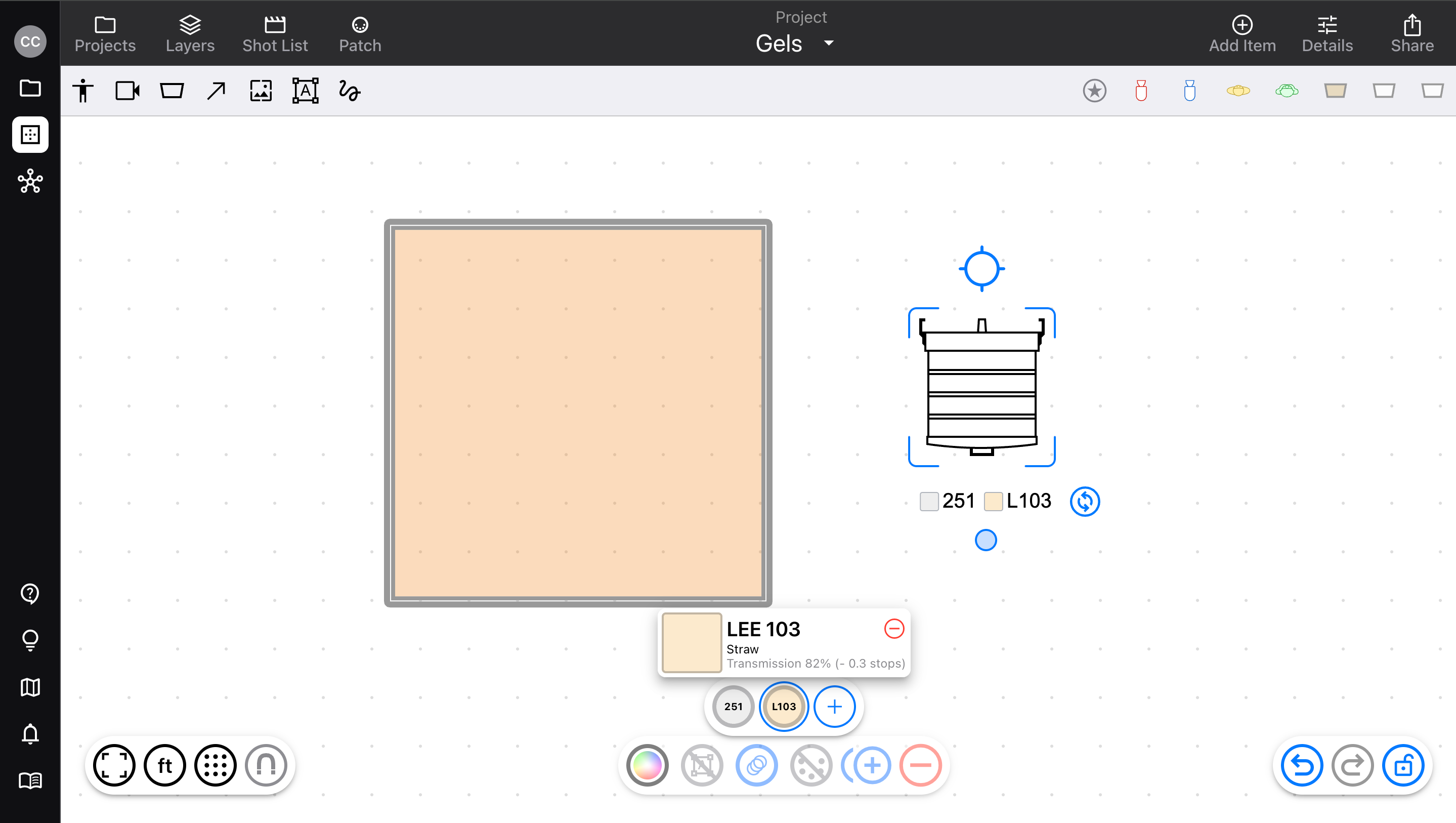
Add Gels to Fixtures
Manage on the diagram or the Patch view
Colors and names visible with the item label
Set all Gels’ visibility in the Layers > Types sidebar
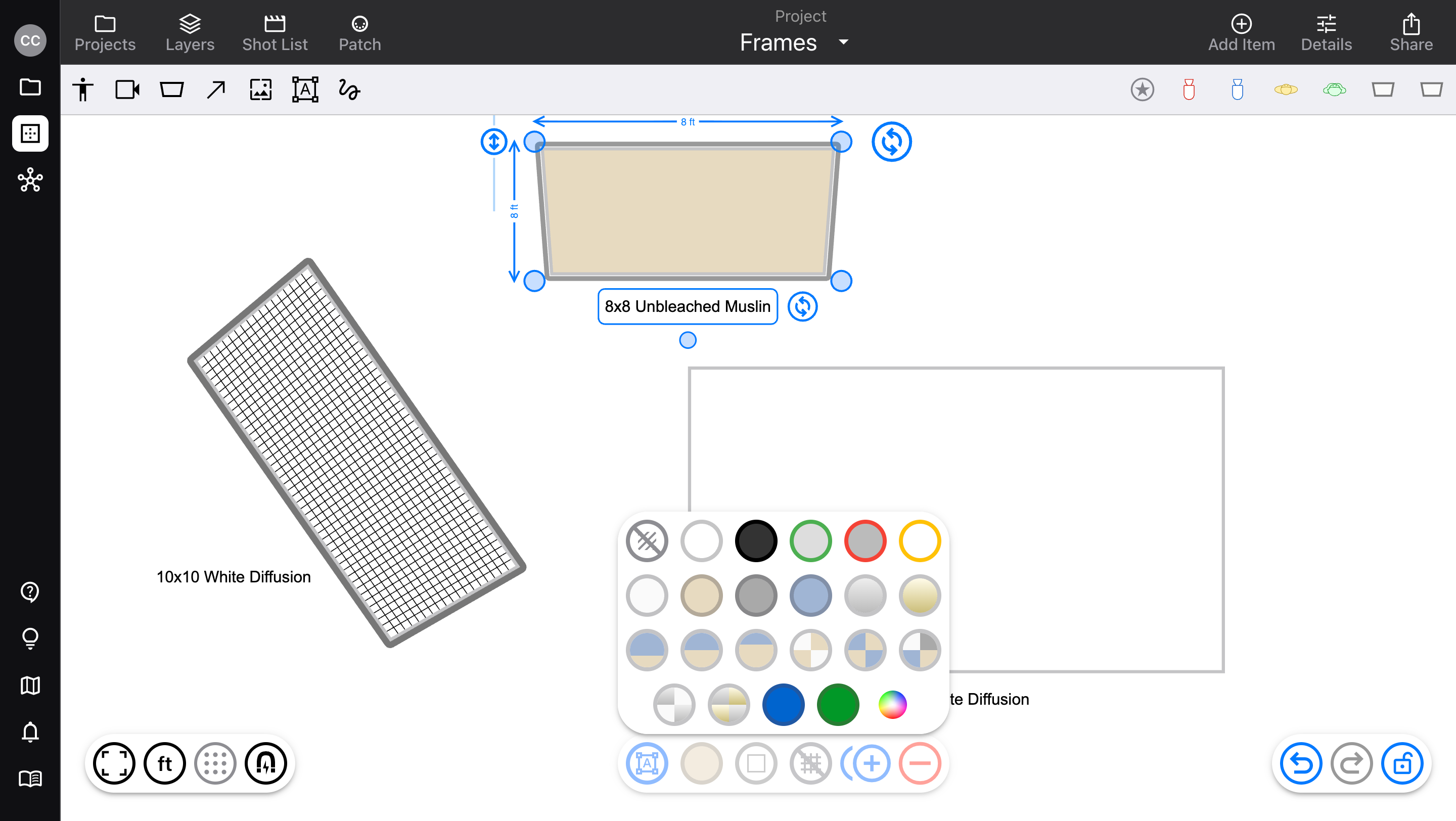
Add Gels to Frames
Use Gels instead of a rag material
Color and opacity visible on the diagram
Drag Gels to reorder; copy and paste Gels among items
Choose from a set of built-in standard colors
CTO and CTB
Common diffusions
ND and clear (like Heat Shield)
Pro accounts have access to over 2000 additional gels from the Cloud Library
Specific Gel numbers and colors from manufacturers like Lee, Rosco, and GamColor
Improvements & fixes
Allow multiple subscriptions to be created at once, to help with switching between App Store and web-based
Updated mobile UI for viewing shared Projects (it could be impossible to exit the Diagram editor)
Allow uploads of larger images (Scenario will optimize them before syncing)
Fixed a bug where the diagram editor would only appear on half the screen when app-switching on iPad
v3.5.1
Updated to include Cloud Library Gels for Pro accounts
v3.5.2
Fixed a bug where changes to item names would not be saved on touch devices, when finishing with the
Enterkey