Scenario v3.1
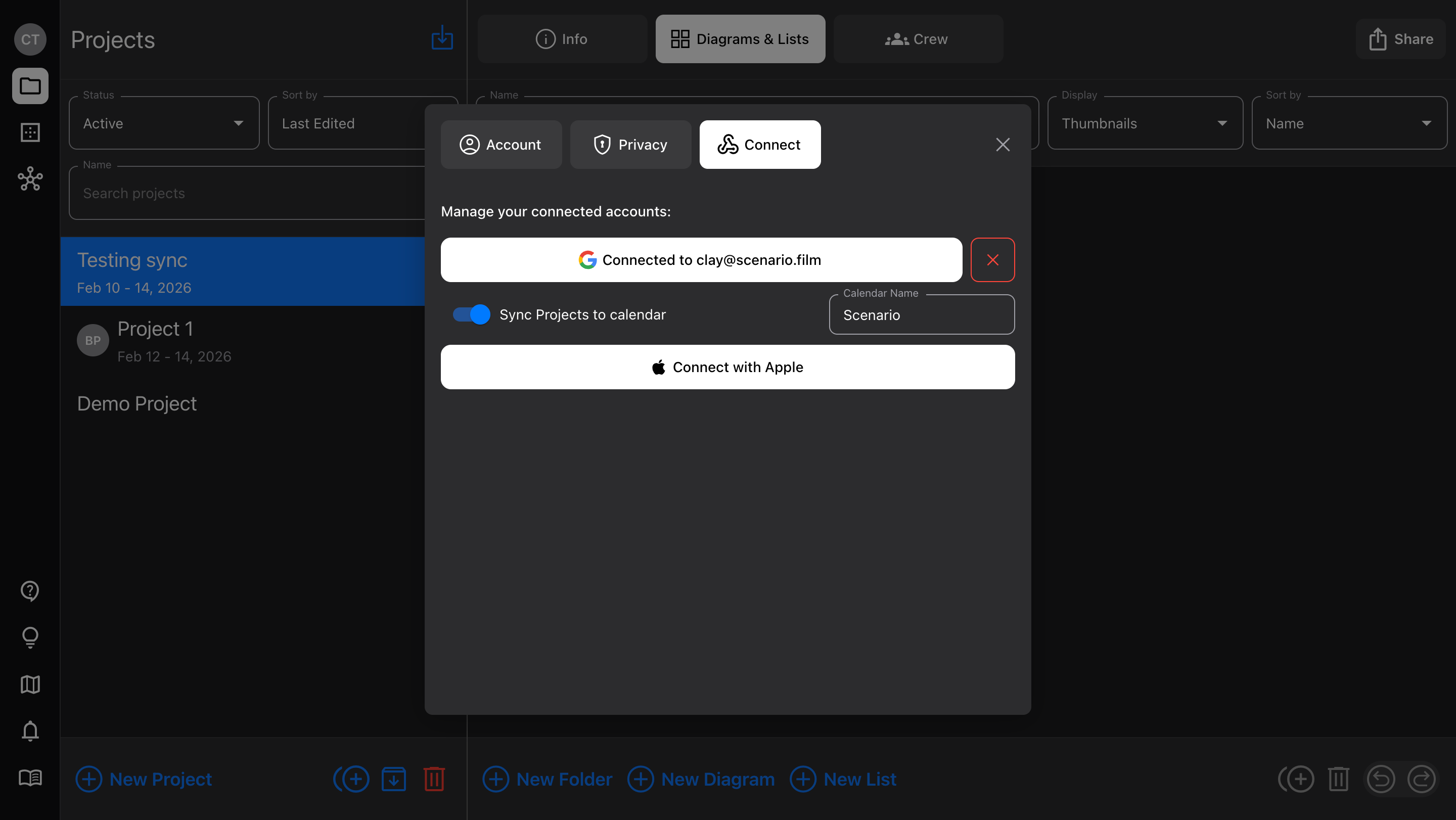
Sync projects to Google Calendar, and new diagram features.
Released February 18, 2026
Availability: all devices, all accounts
Google Calendar sync
We just added “Sign In with Google” to make account creation quicker; now, you can use that same Google account to sync Project dates.
In Account > Connect, toggle on the option to “Sync Projects to calendar”
Any Projects that have dates assigned will appear, but individual Projects can be toggled on/off at any time
Shared Projects sync too (each user sets their own calendar preference)
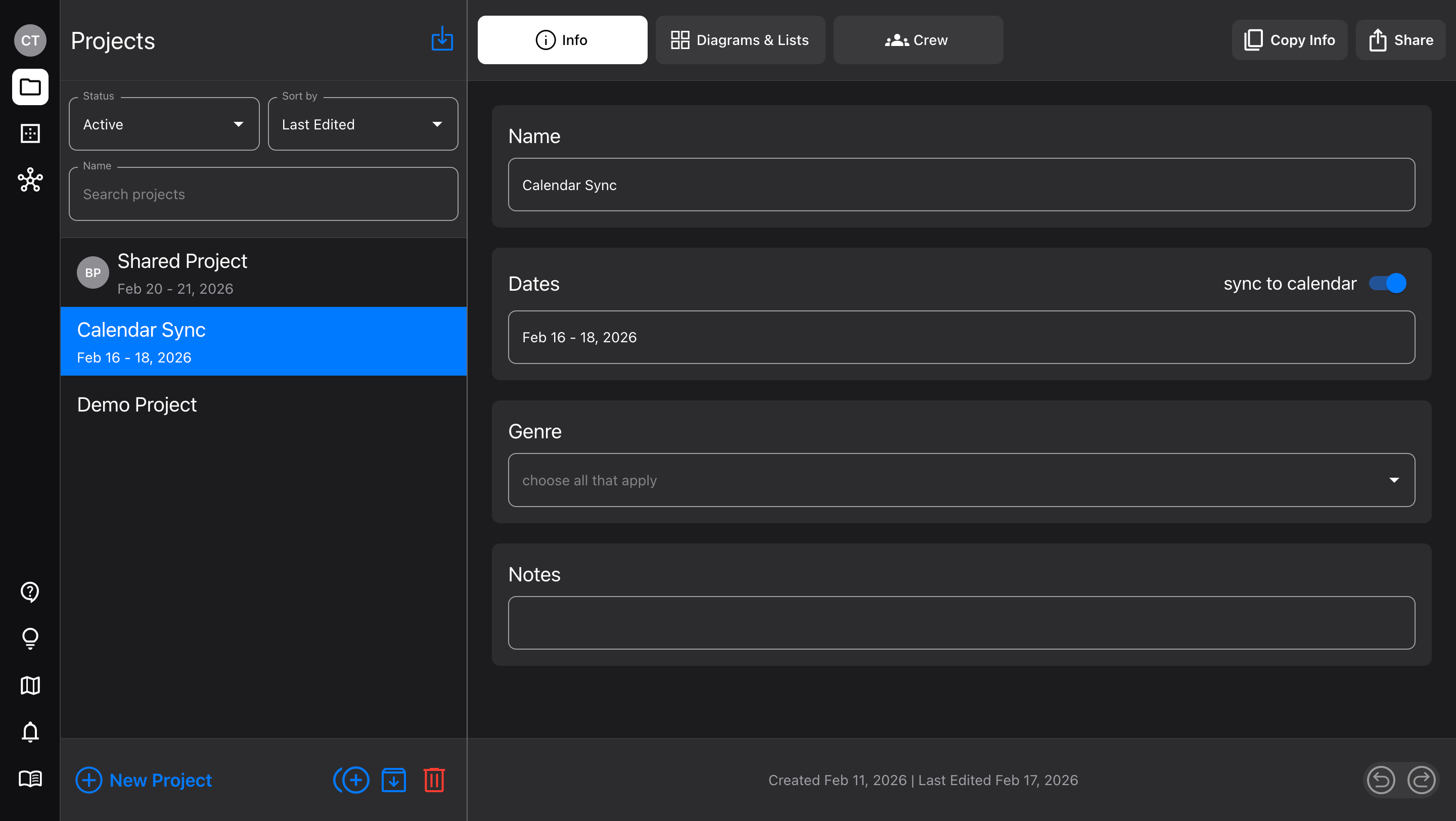
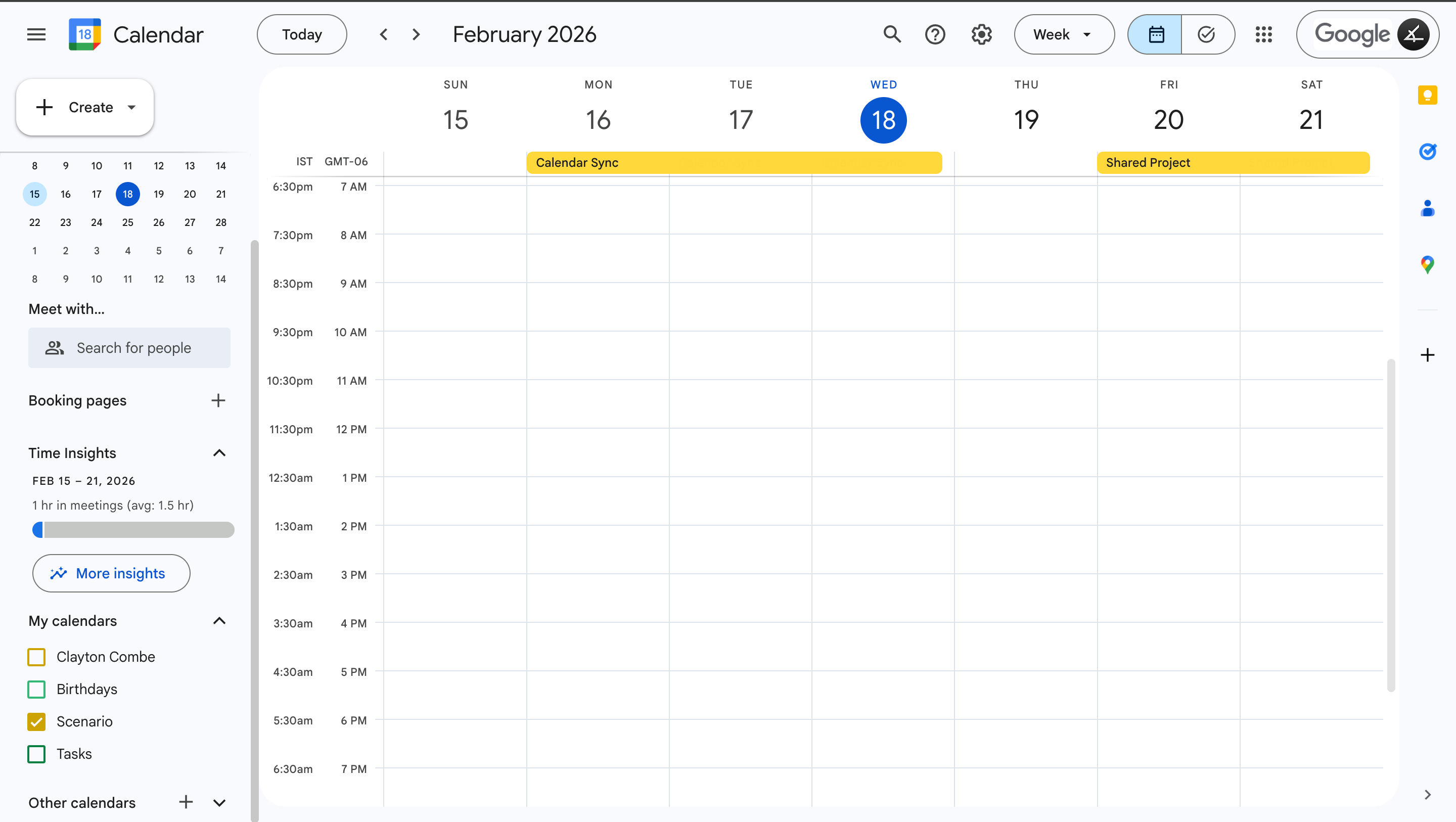
Diagram features
Curved walls - toggle Wall item control points between “corner” and “curve”
Flip items - for multi-selected items and Groups, mirror their arrangement (horizontally or vertically) with a button in the Details sidebar
Save to device Photos - when adding an Image item or Camera frame image, you can choose to take a photo directly in Scenario. Now, that photo is also added to your device’s camera roll.