Changelog

Follow new updates and improvements to Scenario.

Scenario v4.3

Configure your public profile, and build your network on the new Contacts page

  • Released September 23, 2026

  • Availability: all devices, all accounts

Public profile

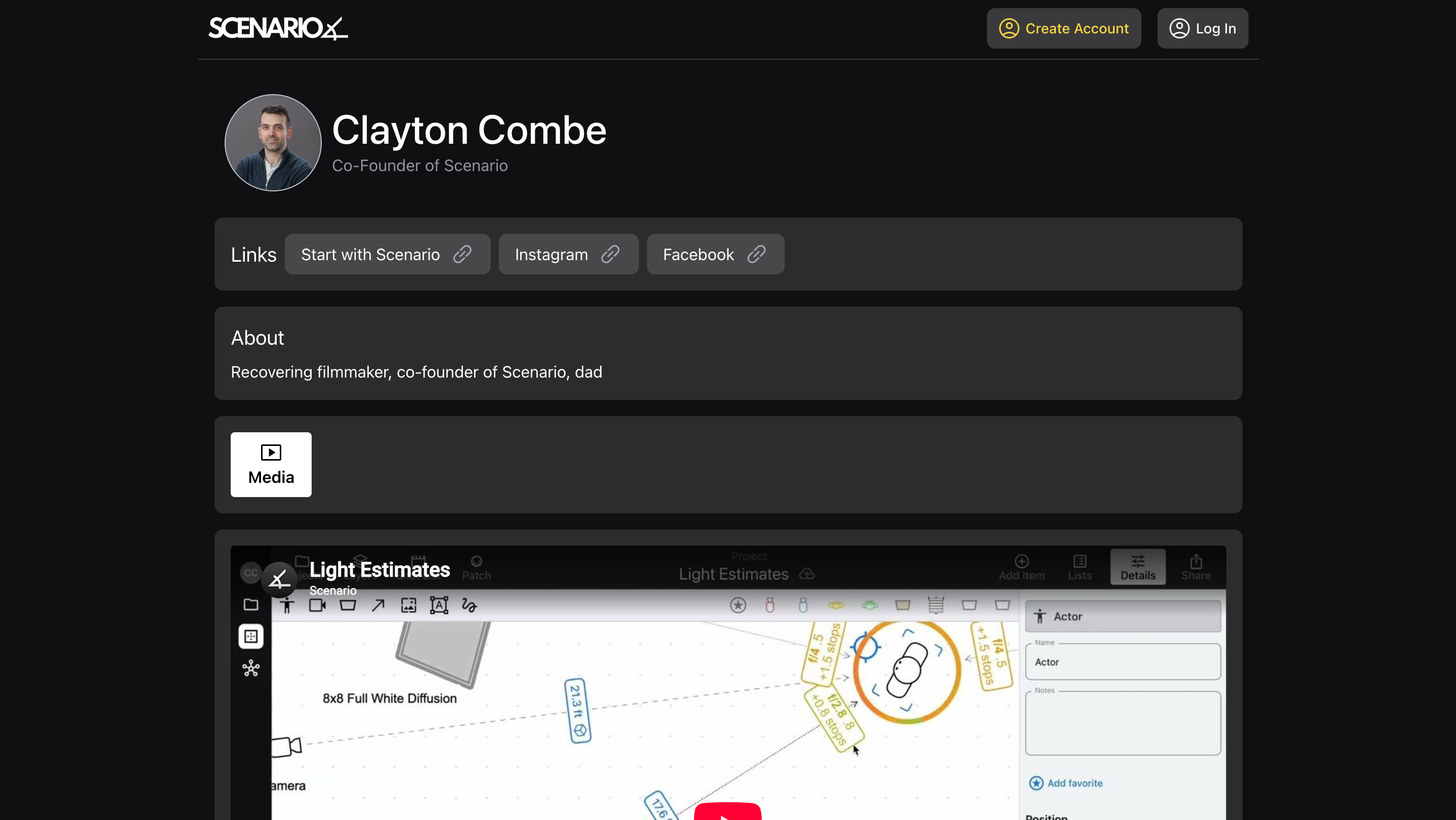
Create the “home page” of your professional life, accessible to anyone with the link!

  • Set a profile image, headline, and “about me”

  • Choose a custom, unique URL for your profile (do it soon, so you get the one you want!)

  • Add links to your most important other sites

  • Add images and video, to showcase your work

Then, send your profile link to anyone. Put it on your website, in your Instagram profile, in your email signature – it’s a direct link to your work. And anyone can open it, not just Scenario users.

See My Profile for more info.

Contacts

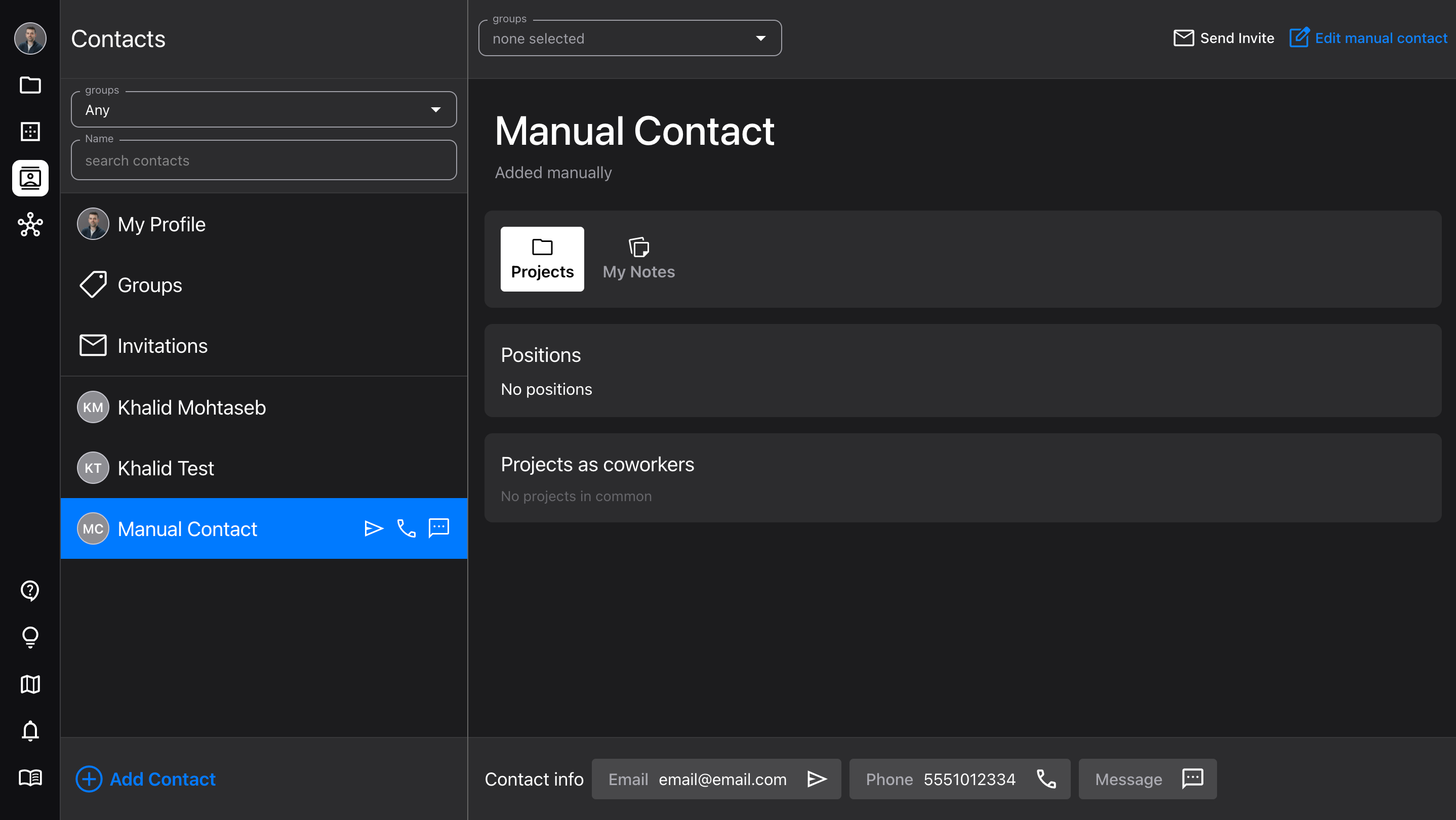
The new Contacts page is a quick way to access all your close colleagues, and build your professional network.

  • Add new contacts by importing, searching, or manually

  • Manage, assign, and filter by Groups

  • View your contacts’ profiles and contact info (makes it easy to send them a quick message)

  • Add your own notes for each contact

  • Don’t worry, the Network page is still there for more complex searches!

See Network & Contacts for more info.

Improvements

  • Updated the Diagram Details and Visibility sidebars, to make it clear what the two different distance/length settings do

  • New saving logic to prevent losing text edits when sending the app to the background

AccountNetworking

Scenario v3.1

Sync projects to Google Calendar, and new diagram features.

  • Released February 18, 2026

  • Availability: all devices, all accounts

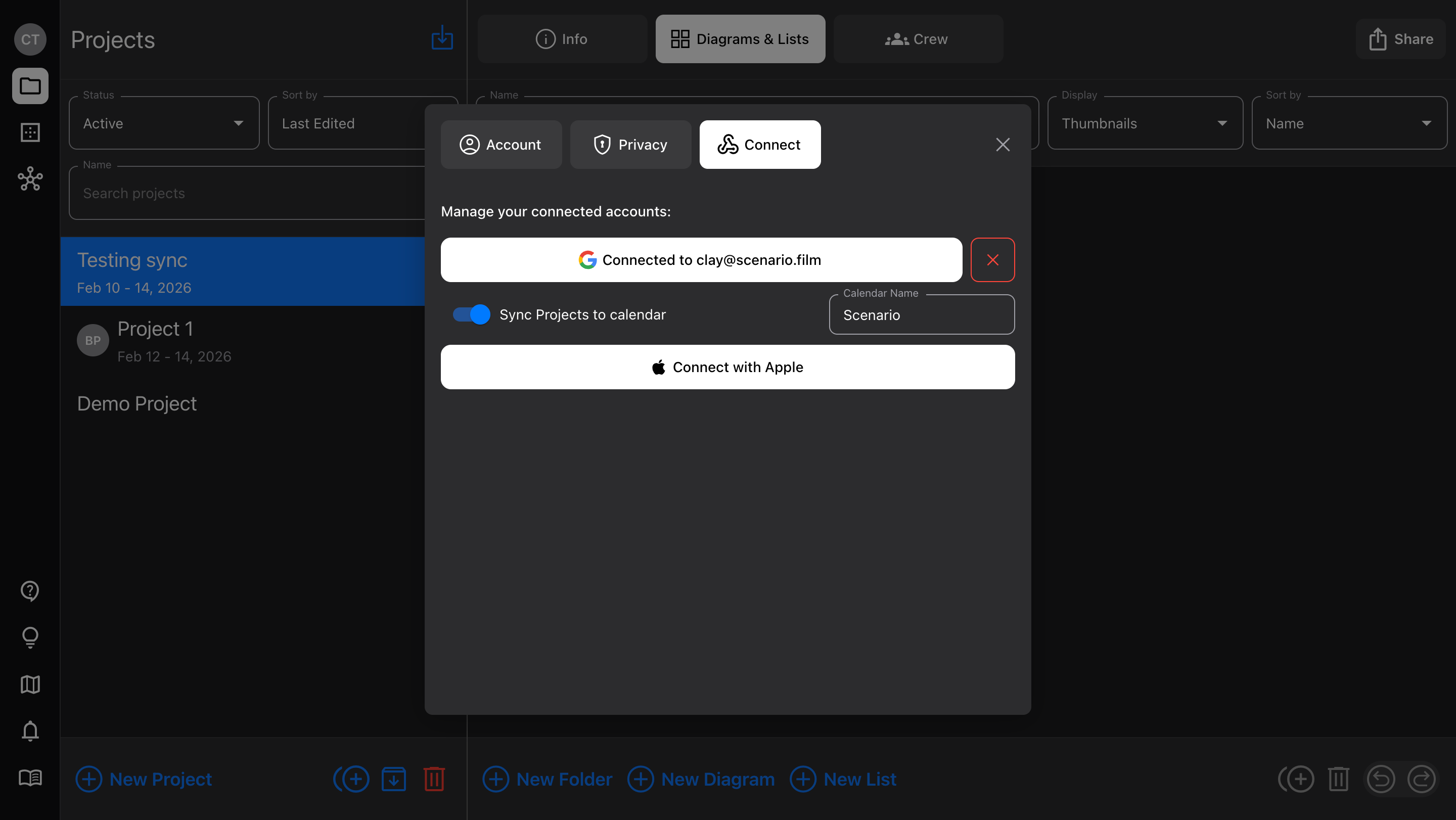
Google Calendar sync

We just added “Sign In with Google” to make account creation quicker; now, you can use that same Google account to sync Project dates.

  • In Account > Connect, toggle on the option to “Sync Projects to calendar”

  • Any Projects that have dates assigned will appear, but individual Projects can be toggled on/off at any time

  • Shared Projects sync too (each user sets their own calendar preference)

Diagram features

  • Curved walls - toggle Wall item control points between “corner” and “curve”

  • Flip items - for multi-selected items and Groups, mirror their arrangement (horizontally or vertically) with a button in the Details sidebar

  • Save to device Photos - when adding an Image item or Camera frame image, you can choose to take a photo directly in Scenario. Now, that photo is also added to your device’s camera roll.
ProjectsAccount

Scenario v3.0

Updates to login and navigation, plus a new camera feature.

  • Released February 6, 2026

  • Availability: all devices, all accounts

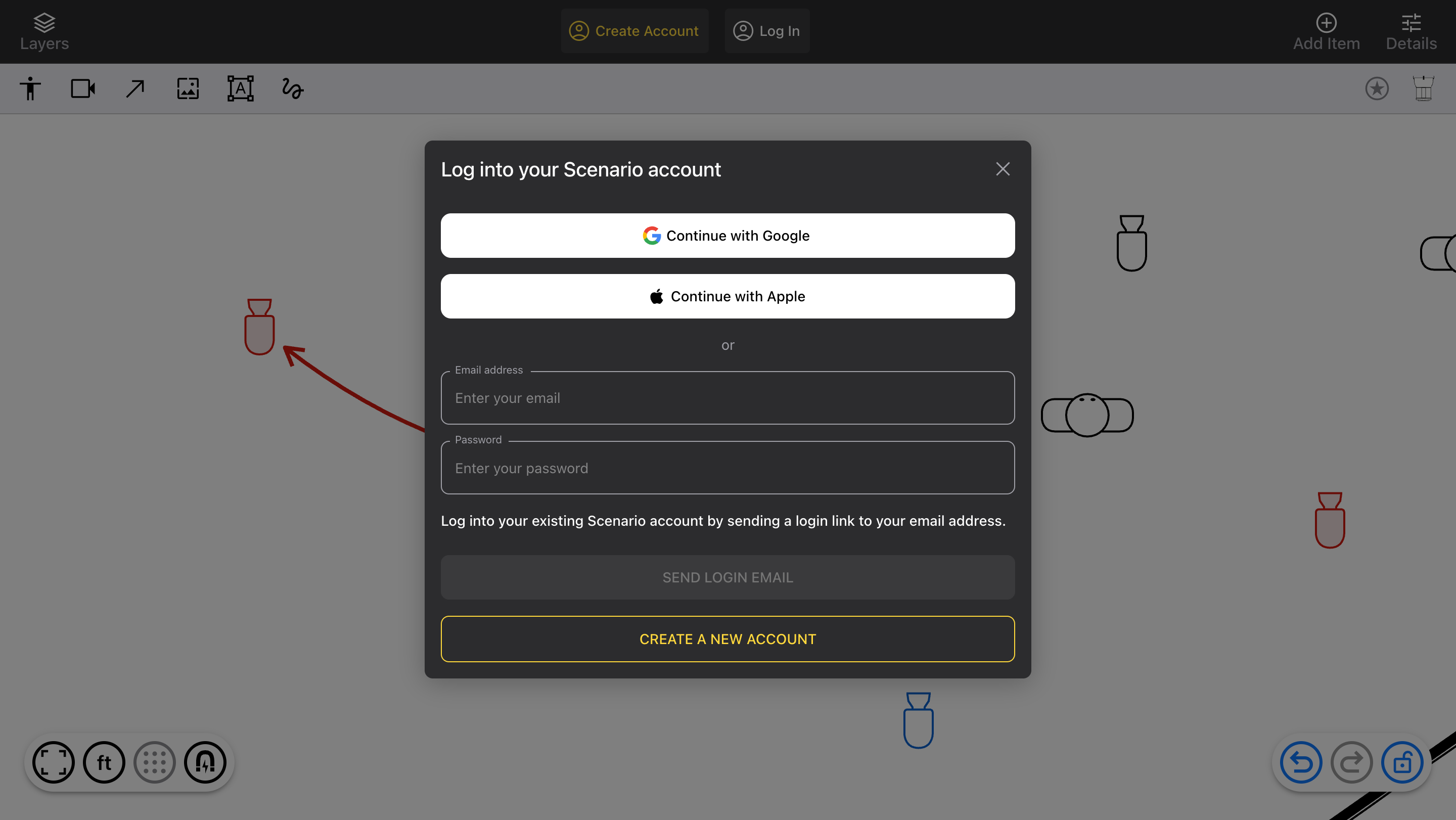
Sign-In with Google and Apple

  • Create a Scenario account and sign into it using a Google or Apple account

  • If your email matches the email already on your account, no setup is needed

  • Add a new account in the Account > Connect tab

    • This works even if the email address doesn’t match

    • You can connect one of each account

Left navigation bar

  • The left nav bar is now visible on all screens wide enough to show it (not mobile)

  • Added a new item: Editor, which is the Diagram editor

  • Now ALL accounts – including Free Demo – can view the Projects and Network screens

    • Free Demo accounts are now able to see other users’ Projects that are shared with them, directly in the app (still cannot create your own Projects)

    • All users have access to in-app Help Chat, Roadmap, Add Ideas, Updates, and User Guide

Camera assignment

  • Create different “cams” to indicate which camera is which (A cam, B cam, etc)

    • Customize colors and body style for each

    • Like lenses, cams can apply to a whole Project, or an individual Diagram

    • Copy and paste sets of cams, for reuse

  • Hovering over the quick-add Camera shows a list of cams to drag and drop

  • Changing a cam for a Camera in an Arrow path changes all connected Cameras

Bug fixes

  • Moving Grouped items would sometimes revert to a previous position

  • Bold formatted text appeared as a serif font in PDFs

DiagramsAccount