Changelog

Follow new updates and improvements to Scenario.

Scenario v4.2

Now you can “rig” items to other items, plus improvements to pipes and frames on the gear list.

  • Released September 14, 2026

  • Availability: all devices, all accounts

Item rigging

Item types can “rig” to others, such as fixtures to truss, camera to dolly, and more.

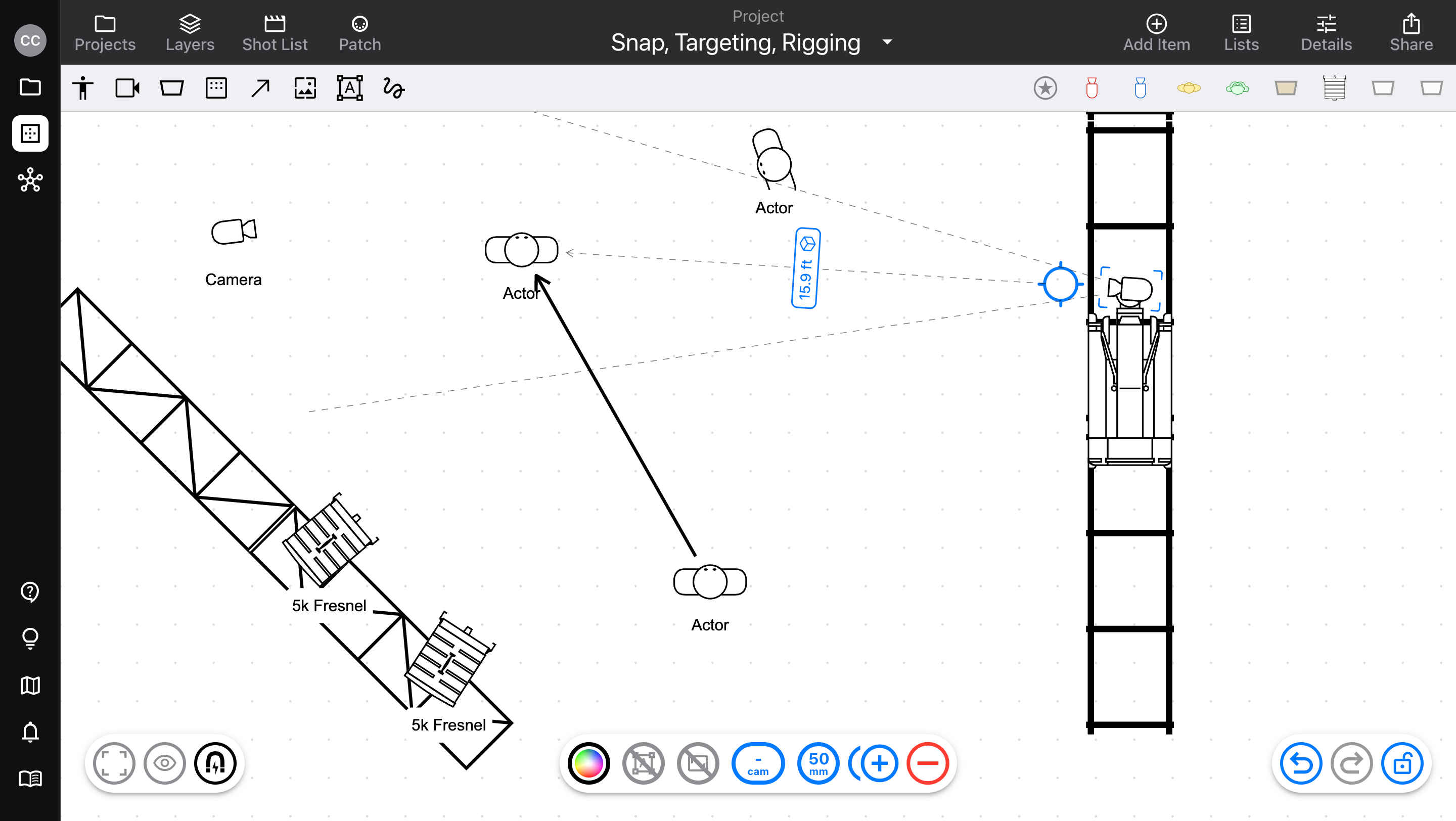
  • With the “snap” feature on, drag an item over a compatible item to rig it

  • Then, moving the “parent” item brings all rigged items with it

  • Supports rigging multiple items, and multiple layers of rigging (camera → dolly → track, etc)

See Snap, Targeting, Rigging, Connections for more info!

Pipe and Frame lengths

Instead of having one long Pipe, Truss, or Dolly Track, now you can decide which lengths you want to use to build your pipes.

  • Choose the specific section lengths you want to use to build any pipe, truss, dolly track, or frame (this works just like distro cables)

  • Pipes will break down by length, and count the totals of all segment sizes to add to the gear list

  • Certain pipes and frames also add hardware: corners & ears, couplers

v4.2.1

  • When an item is deleted, its “child” items are deleted with it

  • Fixed an issue where text labels might not save if the app was sent to the background

DiagramsLists

Scenario v3.6

Massive improvements to List-building functionality, plus other usability improvements.

  • Released May 27, 2026

  • Availability: all devices, all accounts

Lists updates

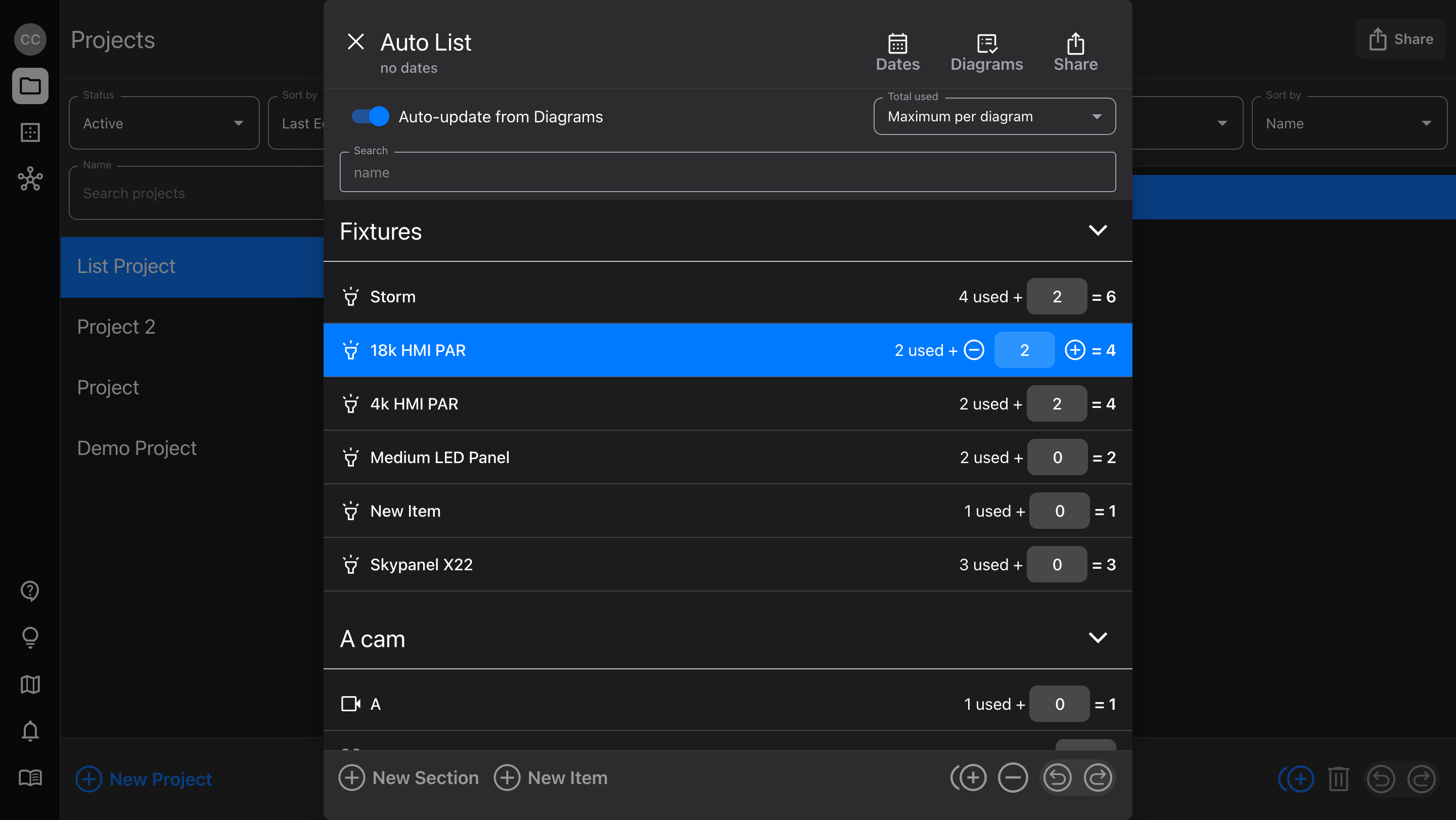
Lists have gotten a whole lot smarter! Now, they connect with your Diagrams and automatically update your equipment as you make changes.

  • Use the auto-sync function to count all uses of your equipment

  • Or, switch to manual mode and build Diagrams with the gear you have available

  • Add List items directly from the equipment library (with Cloud Library access for Pro users)

  • Make bulk changes to Diagram items by updating a manual List

  • Export Lists as PDF

Check out Lists for more details!

Diagram usability

  • When adding multi-page PDFs, select individual pages you’d like to add (for Image items, or Camera frame images)

  • Duplicate Markup items using ⌘ D, Option - drag, or the new bottom actions button

  • Combined some common actions in the pop-up menus to nested menus, to keep the list smaller and easier to use

    • Hide / Lock / Opacity

    • Bring to front / Send to back

    • Cut/Copy/Duplicate/Delete

  • For easier access to locked items on a Diagram, right-click over them and select Unlock item from the pop-up menu

  • Visible action names for Targeting, Adding, Swapping, and more

  • Added a Refresh Symbol button for Cloud Library Fixtures, to fetch the latest version of the Diagram symbol

    • Note: this does not reflect whether or not there is a newer version; that will come in the future

Bug fixes

  • When swiping up to send the app to the background on a mobile device, returning could show a small selection marquee at the bottom of the Diagram editor

v3.6.1

Small bug fixes and improvements:

  • When a new Project was created, its first List couldn't be deleted

  • File size limit not applied to multi-page PDFs

  • Activity spinner when updating List view

  • Fully updates List when Auto-update is toggled on, without re-opening the List editor

  • List PDF generator layout for portrait orientation
ImprovedLists